Library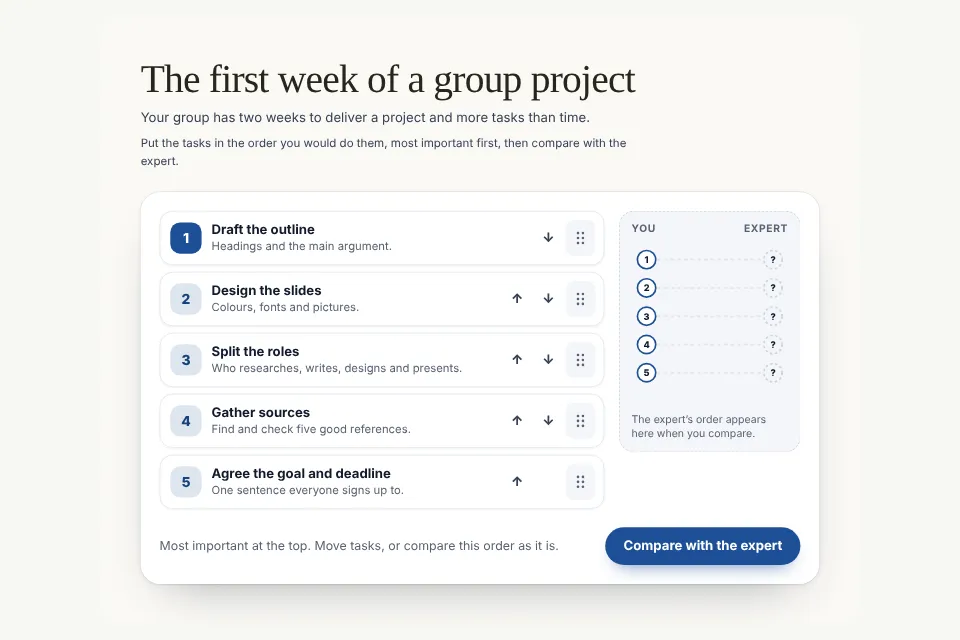
PREMIUM / Compare & Data
Prioritise
The Prioritise component: drag to rank or place on a 2×2, with keyboard alternatives; the score compares the learner’s answer with the expert ranking and explains each placement.
Make it yours- 1Try itPlay the working example below. Switch variants and ready-made examples.
- 2Make it yoursOpen Studio and change the text, images and colours. No sign-up needed to edit.
- 3Export to your courseWith a subscription, export it as a Storyline Web Object, SCORM 1.2, SCORM 2004 or HTML.
Try it with real content.
Customize your text, images and colors. Your work stays in this browser.
HTML · Storyline Web Object · SCORM 1.2 · SCORM 2004 · iframe
This activity can report a result and completion.